Why Do Some People Still Need Glasses After LASIK?
September 30, 2026
Have Any Questions?
Please contact us, if you have any queries
Categories
LASIK can significantly reduce the need for glasses or contact lenses, but it does not guarantee that you will never need them again. Some people may still need glasses after LASIK because of age-related changes, a small remaining prescription, or changes in vision over time.
Understanding why this happens can help you have realistic expectations before and after LASIK.
Table of Contents
- Why can glasses still be needed after LASIK?
- Common reasons for needing glasses after LASIK
- Glasses after LASIK: what does it mean for your vision?
- When should you see an eye doctor?
- About Dr. Rani Menon Maxivision Eye Hospitals
- Can LASIK be repeated if glasses are needed?
- Conclusion
Why Can Glasses Still Be Needed After LASIK?
LASIK reshapes the cornea to correct refractive errors such as short-sightedness, long-sightedness and astigmatism. Its goal is to reduce dependence on glasses and contact lenses rather than guarantee completely glasses-free vision for life.
According to the American Academy of Ophthalmology, LASIK may allow many people to stop using glasses for most daily activities, but some patients may still need them.
There are several reasons for this.
Glasses After LASIK: Common Reasons You May Still Need Them
1. A small amount of prescription may remain
LASIK does not always correct the refractive error completely. In some cases, there may be a small amount of short-sightedness, long-sightedness or astigmatism remaining after surgery.
The FDA notes that patients can be under-corrected or over-corrected after refractive surgery and may still need glasses or contact lenses.
A small prescription may not affect everyday activities much, but glasses can be useful for tasks that require sharper vision, such as:
- Driving at night
- Reading road signs
- Watching a distant screen
- Working with fine details
2. Presbyopia develops with age
One of the most common reasons people need glasses after LASIK is presbyopia, the normal age-related loss of the eye’s ability to focus on nearby objects.
LASIK corrects the shape of the cornea, but it does not stop the natural ageing of the eye’s lens. This means someone who has excellent distance vision after LASIK may still need reading glasses later in life.
The American Academy of Ophthalmology explains that almost everyone with good distance vision will eventually experience presbyopia and may need reading glasses.
This is not a sign that the LASIK procedure has failed. It is a normal change that happens as the eyes age.
3. Your vision can change over time
A person’s prescription can change even after successful LASIK. Vision may gradually become different from the result achieved soon after surgery.
For some people, this may result in a small new prescription that can be corrected with glasses. The change does not necessarily mean that something has gone wrong with the original procedure.
Regular eye examinations can help determine whether the change is related to your prescription or another eye condition.
4. Monovision may still require glasses for certain activities
Some patients with presbyopia may undergo a technique called monovision, where one eye is corrected mainly for distance and the other is left slightly more short-sighted to help with near vision.
Although this can reduce the need for reading glasses, it may not provide the sharpest vision for every task.
Some people may still prefer glasses for activities that require precise vision, such as night driving or prolonged close-up work.
When Should You See an Eye Doctor?
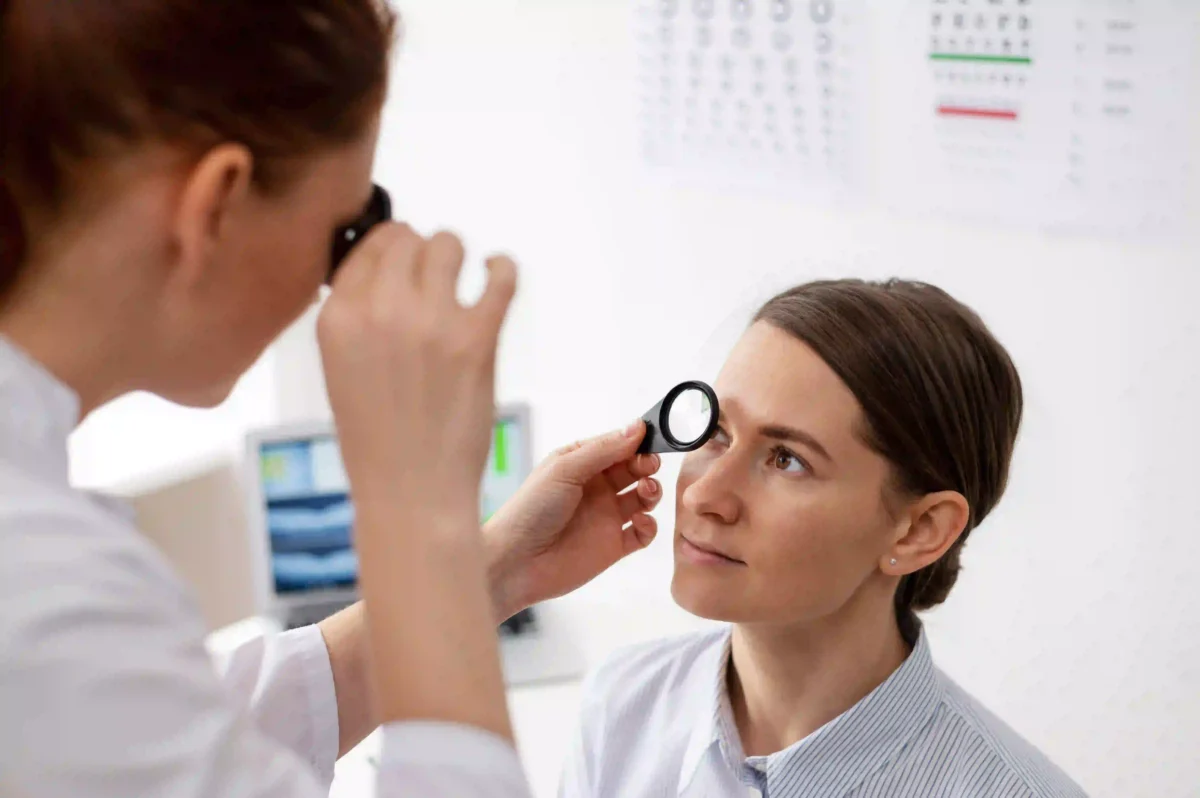
Needing glasses after LASIK is not always a cause for concern. However, a new or noticeable change in vision should be evaluated by an eye doctor.
You should schedule an eye examination if you experience:
- A sudden or gradual decline in vision
- Persistent blurred vision
- Difficulty seeing clearly at night
- New or worsening glare or halos
- Eye pain, redness or significant discomfort
- A noticeable change in your glasses prescription
An eye examination can help identify whether you simply need a small prescription or whether another condition is affecting your vision.
The FDA also advises patients to contact their eye doctor when they develop new, unusual or worsening symptoms following LASIK.
About Dr. Rani Menon Maxivision Eye Hospitals
At Dr. Rani Menon Maxivision Eye Hospitals, we provide comprehensive eye care with modern diagnostic methods and advanced technology. Our centres serve patients across Thrissur, Guruvayur, Kunnamkulam, Angamaly and Wadakkanchery.
For patients searching for the Best eye Hospital in Thrissur, our focus is on proper evaluation, personalised treatment planning and informed decisions based on each patient’s eye health and visual needs.
Our eye care services include LASIK, cataract care, glaucoma, retina, cornea, squint treatment and general eye examinations.
Can LASIK Be Repeated If Glasses Are Needed?
In some cases, an additional procedure may be considered when a residual prescription remains after LASIK. However, enhancement is not suitable for everyone.
The decision depends on factors such as:
- The current eye prescription
- Corneal thickness and shape
- Overall eye health
- Stability of the vision
- The reason for the change in vision
An ophthalmologist needs to examine the eyes and assess these factors before recommending any further procedure.
It is important not to assume that every patient who needs glasses after LASIK should undergo another surgery. Sometimes, glasses are the simplest and safest option for a specific visual need.
Conclusion
LASIK can greatly reduce dependence on glasses, but it cannot prevent natural changes in the eyes. Some people may still need glasses because of a small remaining prescription, presbyopia, changes in vision over time or specific visual requirements.
Needing glasses after LASIK does not automatically mean that the surgery was unsuccessful. A proper eye examination can help determine why your vision has changed and whether glasses, observation or another treatment is appropriate.
If you have questions about your vision after LASIK or are considering laser vision correction, consult an ophthalmologist for a detailed evaluation and personalised advice.